Instructions
Menu
BANMOD Menu
Below you can find the main information about some settings available in the mod. The most intuitive options, or options that do not need explanations in TXT files, have been omitted.
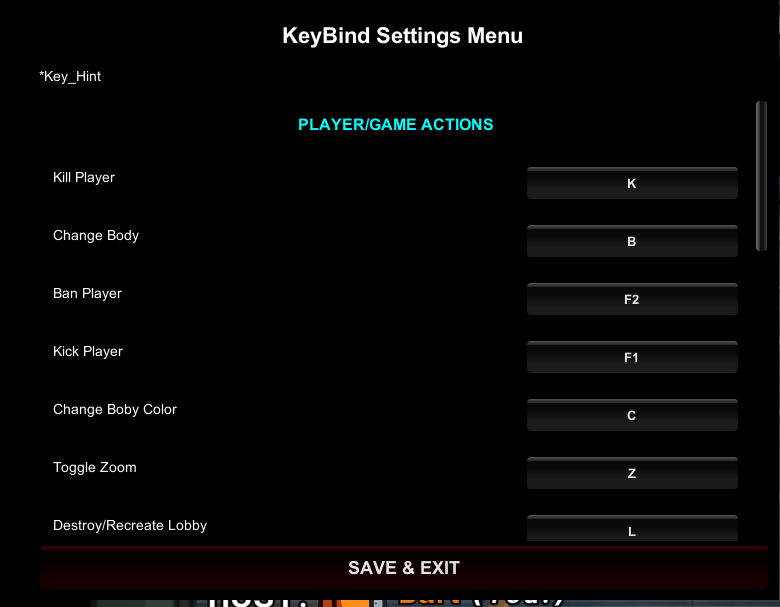
Main hotkeys
Quick commands:
- F10: opens the key configuration menu.
- DELETE: opens the Main Menu.
- F: enables the Follow function on the selected player.
Player selection:
The player is selected using both mouse buttons.
(KEY CONFIGURATION MENU)
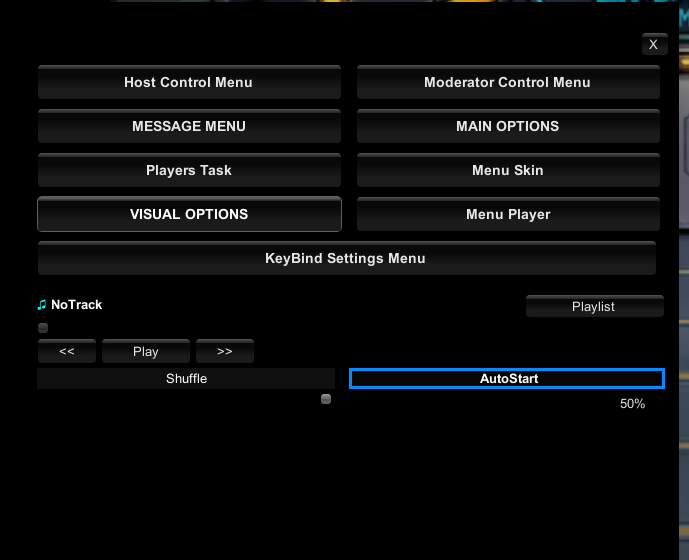
Main Menu
Description: the Main Menu contains several buttons and a music player. Each button opens a specific menu.
Custom music:
To add music, place your files inside:
Among Us\BAN_DATA\MUSIC
(MAIN MENU)
HostControlMenu
Function: this menu contains the most commonly used quick host controls.
(HOST MENU)
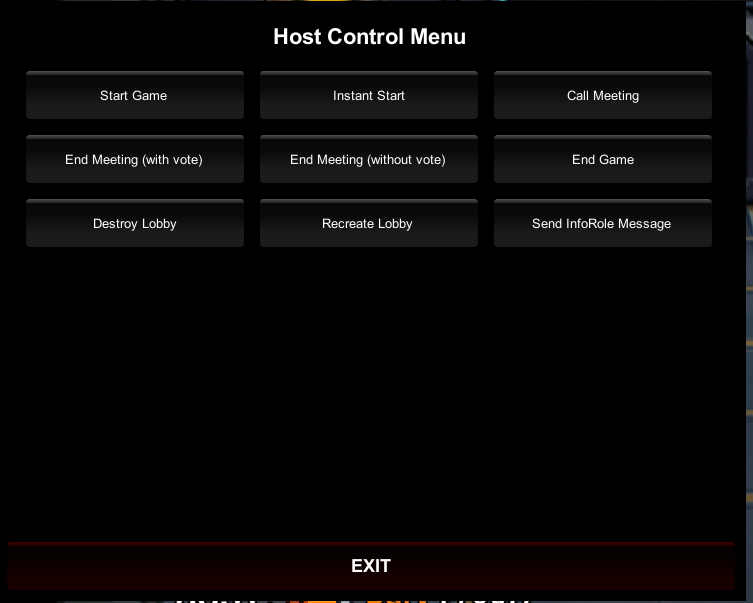
It was mainly created for testing and fast match management.
Note:
Many commands can also be performed in other ways, such as starting the game with the lobby Start button or ending a meeting with the dedicated meeting button.
Useful commands:
Some commands, such as EndGame, are still useful and have been kept.
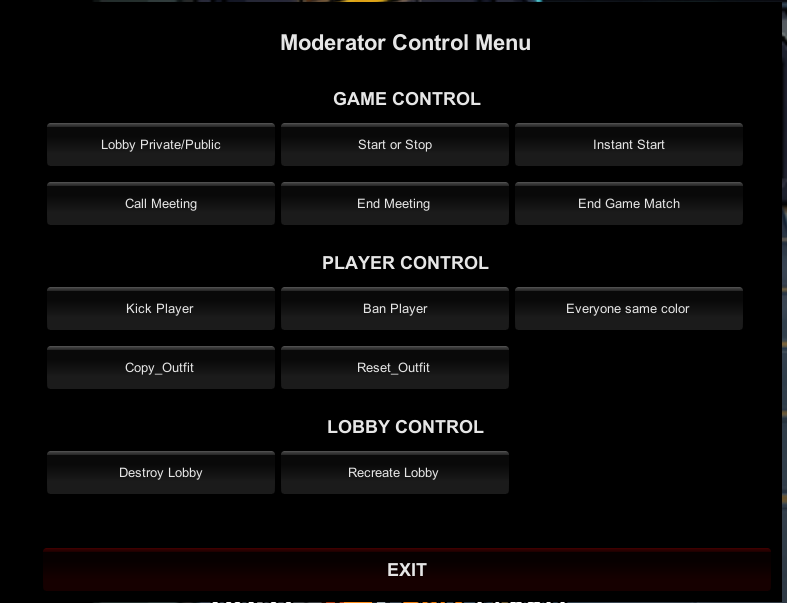
ModeratorControlMenu
Function: this menu is dedicated to moderators using the mod.
It contains the main commands and can quickly insert command text into chat, making command execution faster.
(MODERATOR MENU)
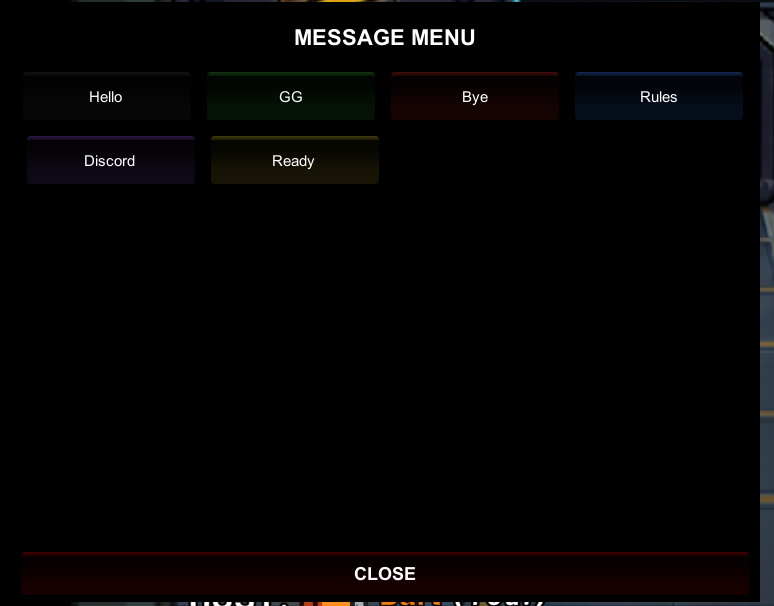
MessageMenu
Function: this menu contains custom messages that can be sent in chat.
Recommended use:
- Create lobby rules.
- Create quick instructions.
- Prepare recurring messages.
Customization:
You can create your own texts and buttons by editing:
Among Us\BAN_DATA\SETTINGS\MENU\buttonmessage.txt
(MSG MENU)
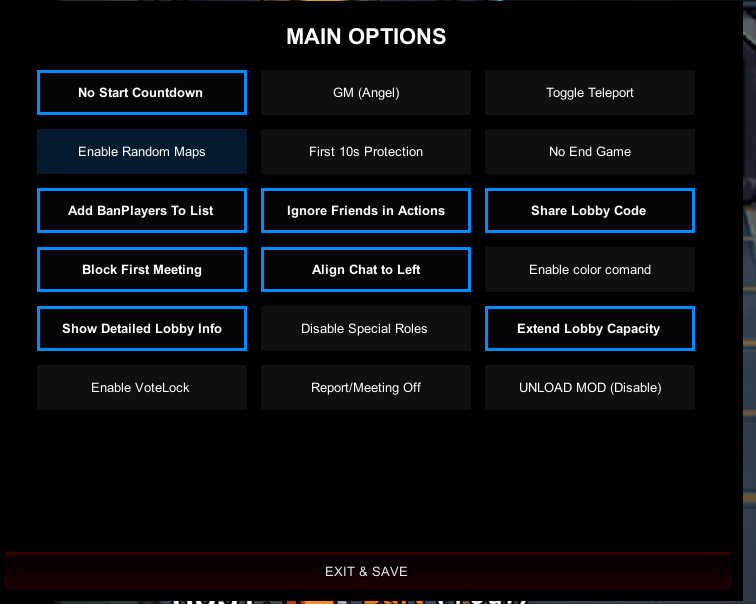
MainOptions
This is the main host options menu.
No Start Countdown: sets the start countdown to 0. In some cases, it may cause a black screen.
GM: enables GameMaster. After the game starts, you become an angel without tasks, useful for testing or staying AFK longer.
Toggle Teleport: enables dragging your player. You must select the player with the right and left mouse buttons.
Enable Random Maps: selects a random map when the game starts.
First 10 sec Protection: enables global protection for the first 10 seconds of the match and after every meeting. Useful when kill cooldown is set to 0.
No Game End: testing option. Prevents the match from ending. Do not enable it during normal matches.
Add BanPlayer To List: if enabled, automatically adds banned players to the banlist:
Among Us\BAN_DATA\DENIED
Ignore friends in actions: ignores AFK detection, bad words and some actions for players in the VIP list.
Share Lobby Code: shows the lobby code on BanMod.Online.
Block First Meeting: blocks the first meeting if there are no bodies. Useful against trolls. VIPs are not blocked.
Align Chat to Left: moves the chat bubble to the left or right depending on the toggle state.
Enable color command: allows players to use the color change command. Do not enable it when using custom roles, to avoid bugs caused by multiple players having the same color.
Show Detailed Lobby Info: shows more details about lobbies in the Find section.
Disable Special Roles: disables all custom roles.
Extend Lobby Capacity: increases displayed lobby searches from 10 to 20.
Enable VoteLock: blocks kicks against other players during meetings.
Report/Meeting Off: disables reports and meetings for everyone.
(MainOptions MENU)
PlayerTask Menu
Function: shows the tasks completed by players.
Anti-cheat limitation:
To prevent unfair advantages, tasks are shown as completed only when you are dead.
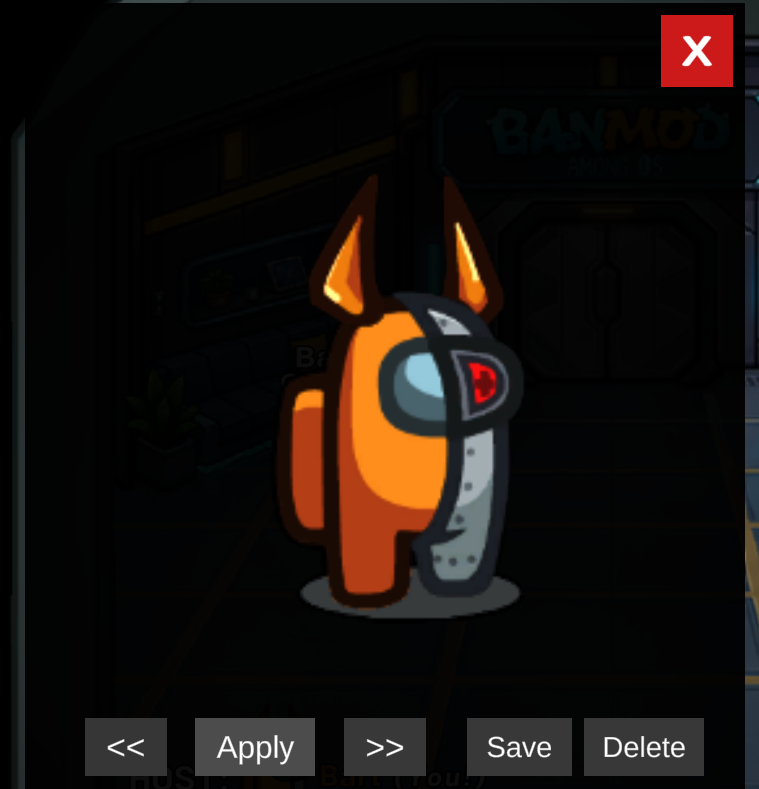
Skin Menu
Function: applies a previously saved outfit with one click.
Important:
Use it only if you are host.
(SKIN MENU)
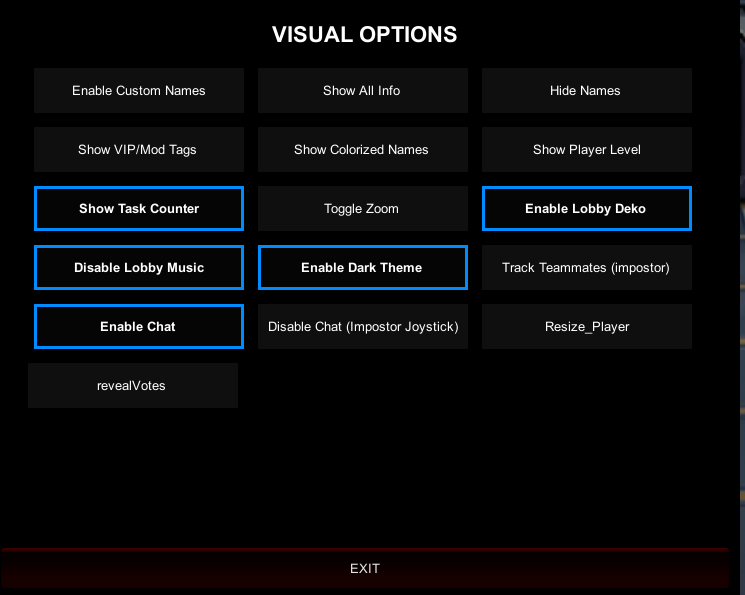
VisualOptions Menu
Function: contains options that only modify local visuals.
Enable CustomName: shows a saved or colored name, if present in:
Among Us\BAN_DATA\CUSTOM\NAME\CustomNames.txt
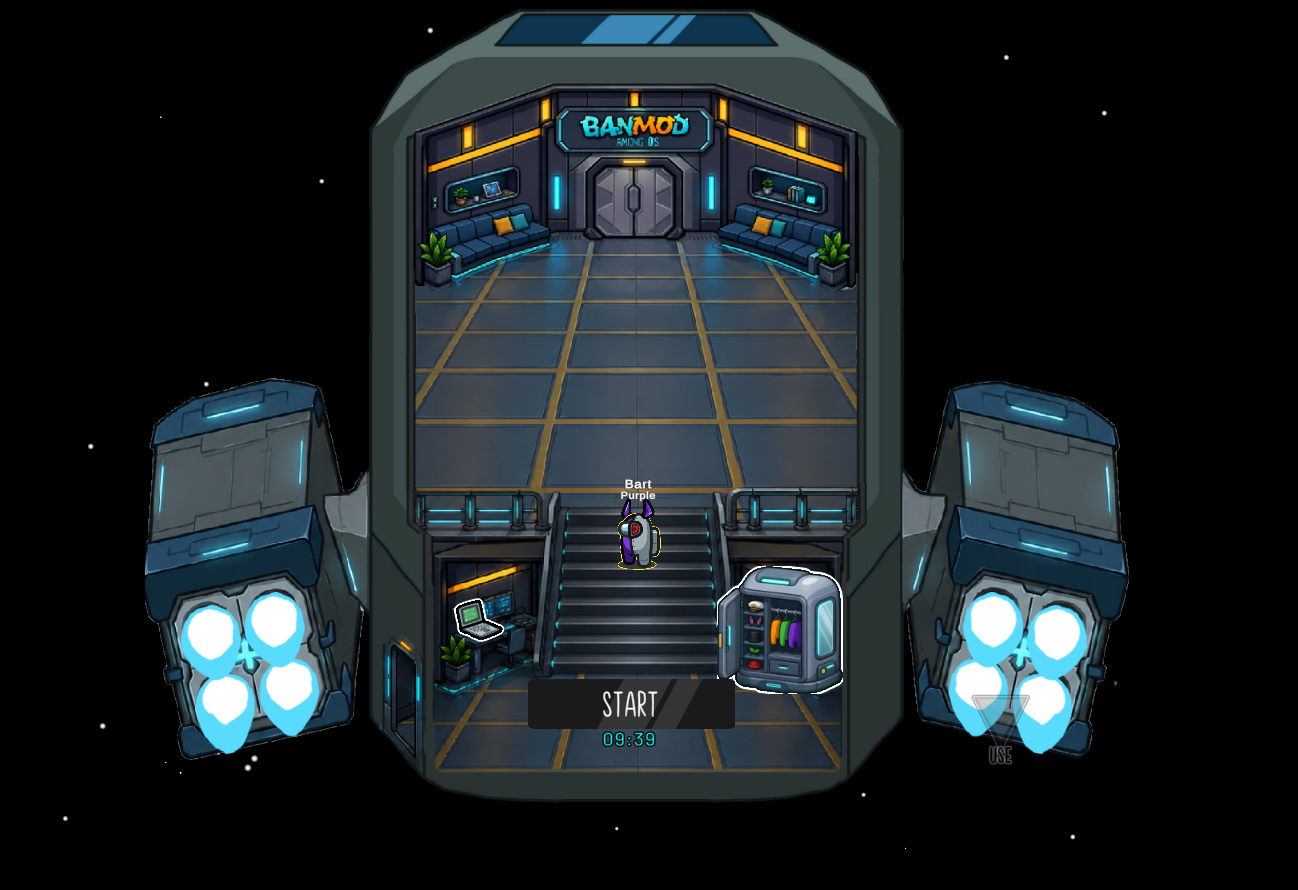
Enable Deko: sets up a personal lobby with modified colliders.
(Deko On)
Toggle Zoom: enables zoom. Works in lobby and when you are dead.
Resize Player: select a player and change their size with the mouse wheel.
These changes are local only. Other players will not see them.
(VISUAL MENU)